

1. Introduction
AWS vs Azure is one of the most searched cloud questions in India, and one of the easiest to answer badly. Headline price lists, market-share charts, and “which is cheaper” graphics rarely match how a 20 to 200 person company actually buys, runs, and pays for cloud.
Amazon Web Services and Microsoft Azure are both mature public clouds. Both run compute, storage, databases, networking, Kubernetes, serverless, and AI. Both have regions in India. The useful question is not “which cloud wins.” It is: given what your company already uses, who will operate it, and what you plan to build, which platform should you shortlist?
This guide is written for founders, IT leads, and operations owners at Indian SMEs and mid-market companies, including teams in Mangalore, Karnataka, and the rest of India who are moving off physical servers or a single VPS. It is not a service-by-service benchmark for cloud architects.
At a Glance: AWS vs Azure for Business
Microsoft-heavy shops
Azure usually fits first if you already run Microsoft 365, Windows Server, SQL Server, and Entra ID.
Linux and cloud-native
AWS has a slight edge when teams already live in Linux, containers, and AWS-native services.
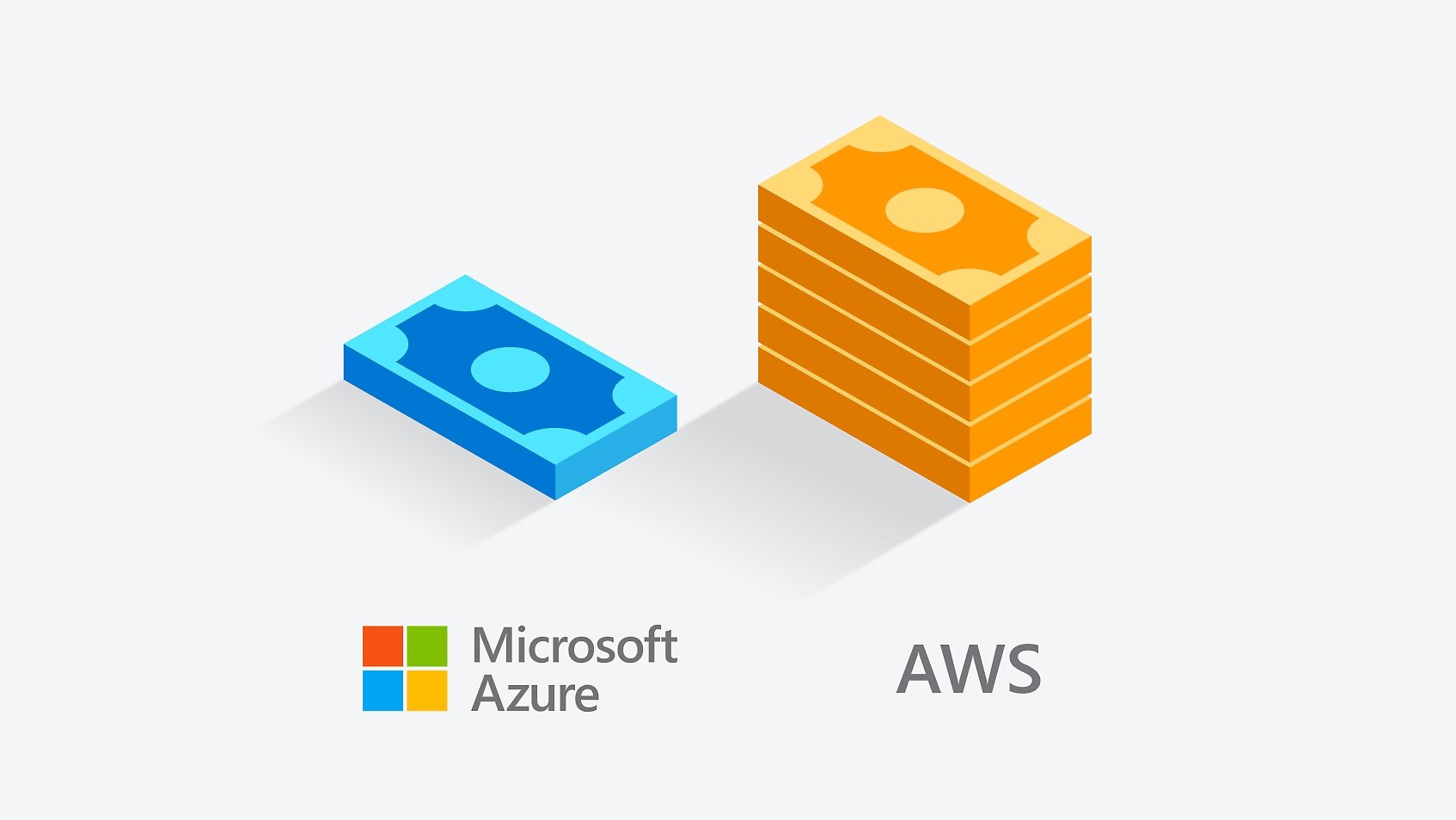
Cost is not the stack of notes
Neither platform is universally cheaper. Licensing, egress, idle disks, and support change the bill.
India regions on both
AWS: Mumbai and Hyderabad. Azure: Central, South, and West India. Residency is still service-specific.
Identity decides a lot
Entra ID is native to Azure and Microsoft 365. AWS IAM is powerful, and a different operating model.
Multi-cloud is a cost
Use two clouds only when a real requirement exists. Avoiding lock-in is not enough reason on its own.
2. Snapshot comparison
Both platforms cover the same core jobs: virtual machines, object storage, managed databases, containers, serverless functions, identity, and AI. Where they differ for a business is integration, operating model, and which skills your team already has.
| Area | AWS | Azure | Winner if… |
|---|---|---|---|
| Market and maturity | Very broad service catalogue, long-established cloud-native ecosystem | Very broad catalogue, especially strong in enterprise Microsoft environments | AWS, if breadth and cloud-native maturity are the priority |
| Microsoft shops | Runs Windows and SQL workloads, but the Microsoft stack is less native | Deep integration with Microsoft 365, Windows, SQL Server, and Entra ID | Azure, if you are Microsoft-heavy |
| Startups and open source | Excellent Linux, containers, databases, serverless, and developer tooling | Strong Linux, Kubernetes, open-source, and AI support | AWS, slight edge for cloud-native flexibility |
| Compute | Amazon EC2 | Azure Virtual Machines | Tie. Compare the actual workload and price in the same region |
| Storage | S3, EBS, EFS and related services | Blob Storage, Managed Disks, Azure Files | Tie. Workload-dependent |
| Databases | RDS, Aurora, DynamoDB, Redshift and others | Azure SQL, Database for PostgreSQL, Cosmos DB and others | Depends on the database you already run |
| India regions | Mumbai and Hyderabad | Central India, South India, West India | Azure, if three India regions are useful. Otherwise a tie |
| Identity | IAM and IAM Identity Center | Microsoft Entra ID | Azure, for Microsoft identity environments |
| Hybrid and on-prem | AWS Outposts | Azure Arc and the Azure Local / Azure Stack family | Azure for broad hybrid management. AWS if you want AWS on-prem |
| Kubernetes | Amazon EKS | Azure Kubernetes Service (AKS) | Tie. Existing skills matter more |
| Serverless | AWS Lambda | Azure Functions | Tie. Choose the ecosystem you already use |
| AI and ML | Amazon Bedrock, SageMaker, and the wider AWS AI stack | Microsoft Foundry, Azure Machine Learning, and Microsoft / OpenAI integration | Depends on the AI tools your product already uses |
| Security and compliance | Extensive security and compliance programmes | Extensive security and compliance programmes | Tie. How you configure the account matters more than the logo |
| Support | Basic included. Paid tiers add technical support | Basic included. Paid Developer, Standard, and ProDirect tiers | Depends on the support level you actually need |
| Learning curve | Powerful, but the catalogue can overwhelm a small IT team | Often easier for Microsoft-oriented teams | Azure, for Microsoft-skilled teams |
3. Pricing and cost control
Neither AWS nor Azure is universally cheaper. A fair comparison uses the same region, CPU and RAM, operating system, storage, database, traffic, and support assumptions. Changing any one of those can flip the result.
AWS bills on-demand usage, then offers Savings Plans, Reserved Instances, and Spot Instances for spare capacity. Azure bills pay-as-you-go, then offers Reservations, Savings Plan for Compute, Spot VMs, and Azure Hybrid Benefit for eligible Windows Server and SQL Server licences.
Azure can look cheaper when the company already owns eligible Microsoft licences and can apply Azure Hybrid Benefit, or when Microsoft 365, Windows, and SQL are already the centre of operations. AWS can look cheaper for Linux workloads designed around AWS-native services, Spot capacity, Savings Plans, or architectures that use that ecosystem well.
What actually inflates an SME cloud bill
- Data transfer and egress
- Managed databases
- Public IPv4 addresses
- NAT gateways and load balancers
- Idle disks, snapshots, and long backup retention
- Logging, monitoring, and marketplace software
- Overprovisioned VMs and unused multi-region copies
- Paid support you do not use
The thumbnail on this page is a reminder, not a verdict. A taller stack of notes for AWS (or a thinner one for Azure) is marketing shorthand. Your bill is the mix of compute, storage, networking, databases, backups, and support, not the VM sticker price.
Three habits that work on both clouds
- Right-size monthly. Do not provision for a theoretical peak you have never hit.
- Set budgets, alerts, and ownership tags on every production workload.
- Review commitments on a schedule: Savings Plans, Reservations, and idle resources.
India billing: do not assume every cloud invoice is INR-only. AWS confirms INR billing and GST in some India Marketplace cases, while billing entities can differ by service. Confirm GST treatment with the provider and your accountant for the specific contract.
4. India regions and data residency
AWS currently lists Mumbai and Hyderabad as Indian regions. Azure’s India footprint includes Central India, South India, and West India. That is useful for latency and for customers who want workloads close to users in India.
Data residency is still service-specific. AWS lets customers choose regions for stored content. Microsoft provides India data-residency options across relevant services. Confirm the services you actually use, not only the region name on the map.
India’s Digital Personal Data Protection (DPDP) Act does not make Azure or AWS automatically “compliant.” Providers offer security and compliance capabilities. You remain responsible for how identities, storage, logging, and retention are configured. Treat DPDP as an operating requirement, not a logo on a vendor slide.
5. Migration paths
Most moves fall into three approaches. Lift-and-shift copies existing VMs with minimal application change. Re-platform moves to managed services with moderate change. Refactor redesigns the application for cloud-native architecture. Pick the smallest change that meets the business goal.
AWS tools
- AWS Migration Hub
- AWS Application Migration Service
- AWS Database Migration Service (including ongoing replication)
Azure tools
- Azure Migrate
- Azure migration guidance and hub materials
- Database migration tooling for on-prem, AWS, and GCP sources
There is no honest fixed timeline for a 20 to 50 person company. A small, uncomplicated workload can move relatively quickly. Databases, integrations, compliance, and legacy applications stretch the project. Treat duration as project-dependent, and run a pilot before you move everything.
Common failure modes
- Migrating without a cost model
- Moving a poor architecture unchanged
- Ignoring data-transfer costs
- Underestimating DNS and networking changes
- Forgetting backups and a rollback plan
- Not testing application dependencies
- No monitoring after cutover
- Moving everything at once instead of piloting
6. How to choose
By the end of this section you should be able to answer: given what we already use and what we plan to build, which cloud do we shortlist?
Choose Azure if
- Microsoft 365 is already the company backbone
- You run Windows Server or SQL Server
- Entra ID is already central to identity
- You want Microsoft business-app integration
- Hybrid Microsoft environments matter
Choose AWS if
- You are primarily Linux and open source
- You are building cloud-native software
- The team already knows AWS
- You need AWS-specific services
- The architecture is already invested in AWS
Choose both only if
- There is a genuine business requirement
- Different workloads clearly benefit from different clouds
- Regulation, customers, or resilience justify it
- You have people and process to run two platforms
Do not migrate yet if
- Current infrastructure works and costs are controlled
- There is no clear business reason
- The app needs major modernization you are not ready for
- Nobody owns the migration, cost, or security requirements
Do not recommend multi-cloud merely to avoid vendor lock-in. A second cloud adds operational and skills complexity. Azure Arc can help manage across on-premises and multiple clouds when that requirement is real.
7. Use cases for Indian businesses
Microsoft 365, Windows, and SQL
Azure is the likely shortlist. Existing Microsoft identity, licensing, and administration reduce friction. Azure Hybrid Benefit can matter for eligible Windows Server and SQL Server licensing. Confirm eligibility before you treat it as a discount.
Custom software on Python, Node.js, or Linux
Either AWS or Azure can work. Both support Linux, containers, Kubernetes, and modern application architectures. Existing developer expertise should decide, not a generic “startups use AWS” rule.
School or SME with a small IT team
Prioritise simplicity, managed services, predictable costs, and support, not maximum service breadth. Either platform can work. For a lean team, a managed cloud partner is often more important than the AWS vs Azure logo.
Already on AWS and considering Azure (or the reverse)
Do not migrate because another provider looks cheaper in a blog graphic. First compare actual workload costs, licensing, architecture, team skills, data location, support, and migration effort. Switching later is possible, but proprietary managed services raise the cost of leaving.
Talk to Intelex about your cloud strategy
If you are choosing a first cloud, modelling a move off servers, or comparing a real AWS vs Azure workload, Intelex Solutions can help you shortlist on facts, not headline prices.
8. Frequently Asked Questions
Is AWS cheaper than Azure?
Neither is universally cheaper. Pricing depends on region, workload, operating system, licensing, storage, data transfer, and commitment discounts. Compare like for like.
Which is easier, AWS or Azure?
Azure can feel more familiar to Microsoft-oriented teams. AWS can be a natural fit for teams already experienced with Linux, AWS, and cloud-native development.
Can we switch cloud providers later?
Yes, but portability varies. Containers, open databases, and infrastructure-as-code make movement easier. Proprietary managed services increase migration effort.
Is Google Cloud included in this comparison?
No. This article focuses on AWS and Azure. Consider Google Cloud separately when its AI, data, Kubernetes, or analytics capabilities are particularly relevant to your product.
Can Indian companies keep data in India?
Both platforms provide Indian regions, but data residency is service-specific. Confirm the services you use, not only that an India region exists.
Does India’s DPDP Act make Azure or AWS safer?
Neither should be described as automatically DPDP compliant. Providers supply security capabilities. Customers remain responsible for configuration and operations.
Do we need a cloud partner?
Not necessarily. A capable internal team can run a small environment. A partner is more valuable for migration, architecture, security, cost optimisation, or teams without dedicated cloud expertise.
Can AWS and Azure be used together?
Yes, when there is a genuine requirement. Azure Arc, for example, is designed to help manage on-premises and multicloud environments. Do not add a second cloud only to avoid lock-in.
Which is better for AI?
There is no universal winner. AWS has services such as Bedrock and SageMaker. Microsoft Foundry integrates models, agents, tools, and Azure services. Match the stack your product already uses.
Official references: AWS EC2 pricing · AWS Savings Plans · Azure pricing · Azure Savings Plans · AWS regions · AWS India compliance · Azure compliance · AWS migration · Azure Migrate · AWS Support · Azure Support · Microsoft Entra ID