

1. Introduction
Build vs buy is one of the most common decisions in business technology, and one of the most frequently oversimplified. The question is rarely as straightforward as "should we spend money on a SaaS subscription or commission a development project?" The real question is which technology approach will produce the best business outcome over the life of the investment.
This article is for founders, operations managers, and IT leads at Indian SMEs and mid-market companies who are evaluating software for their business, whether that is a CRM, ERP, custom workflow platform, school management system, or industry-specific operations tool.
It is not a comparison of programming frameworks, and it is not procurement guidance for enterprise teams. It is a practical framework for business leaders who need to decide what to buy, what to customize, and what is genuinely worth building.
2. Buy, Build, or Customize?
Most "build vs buy" conversations overlook a third option that is often the most practical.
Buy
Use an existing commercially available product (COTS). Examples:
- CRM and sales tools
- Accounting software
- HR and payroll systems
- Email and collaboration
- Standard inventory tools
Customize
Buy the platform, then extend it where you need differentiation. Options include:
- APIs and integrations
- Custom modules
- Workflows and automation
- Reports and dashboards
- Custom UI layers
Build
Develop software specifically around the company's requirements. Examples:
- Industry-specific ERP
- Custom workflow platform
- Customer portals
- Proprietary analytics
- Specialized marketplaces
The decision is not always binary. A hybrid approach, where a company buys commodity capabilities and builds what differentiates it, is often the most practical path.
3. Build vs Buy Comparison
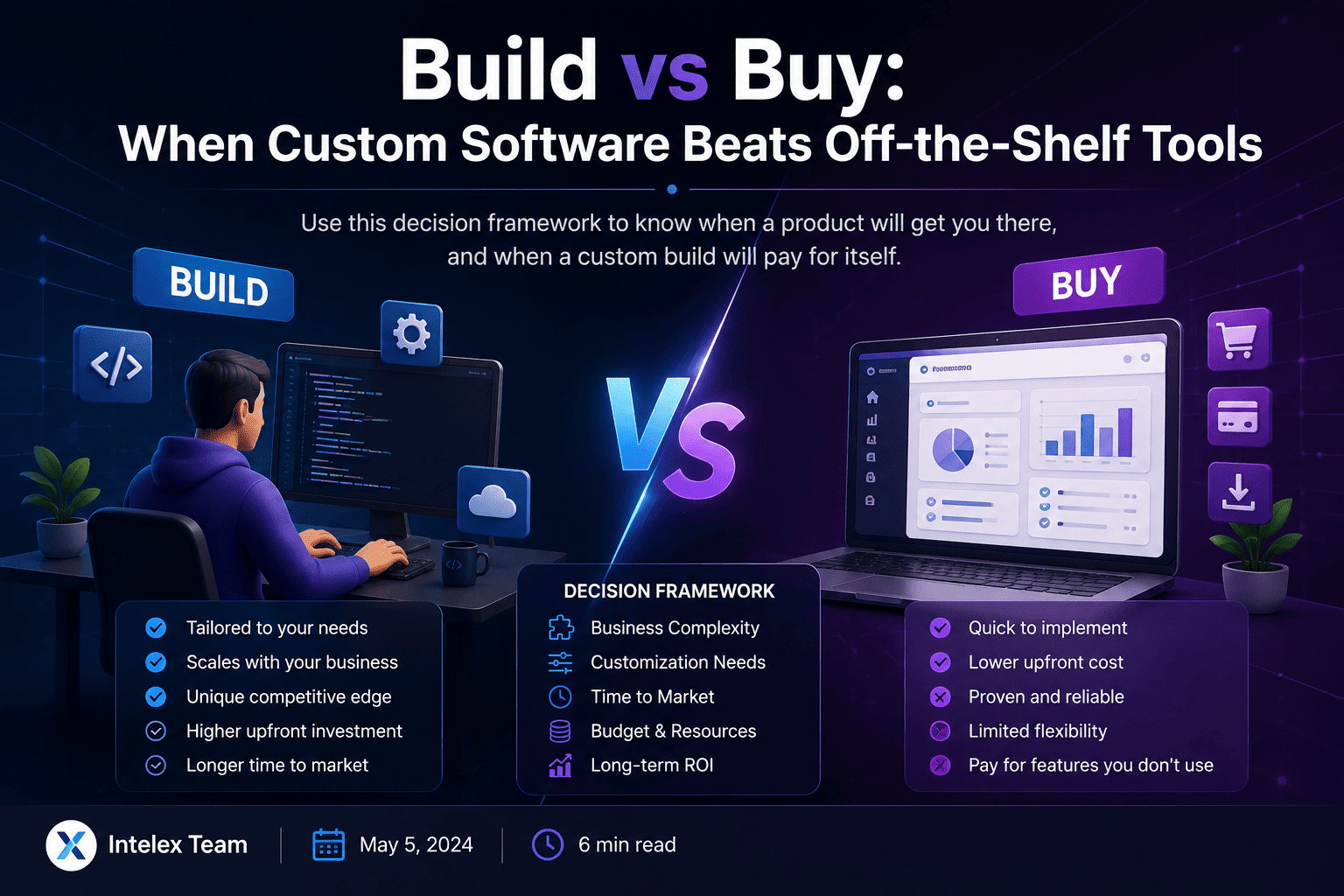
Before making a decision, consider these key factors side by side.
| Factor | Buy | Build |
|---|---|---|
| Initial cost | Usually lower | Usually higher |
| Time to deployment | Usually faster | Longer |
| Customization | Limited by product | Very high |
| Business-specific workflows | May require workarounds | Designed around them |
| Maintenance | Mostly vendor responsibility | Your team/vendor responsibility |
| Upgrades | Vendor-controlled | You control the roadmap |
| Scalability | Depends on vendor | Designed around requirements |
| Integration | APIs/connectors may exist | Can be designed specifically |
| Vendor dependency | Higher | Lower at product level |
| Security | Vendor-managed (to varying extent) | Your responsibility |
| Innovation | Vendor roadmap | Your roadmap |
| Speed of experimentation | Limited by platform | Potentially high |
| Best for | Standard business processes | Differentiating or specialized processes |
The right answer depends on your specific context, not just the initial price tag.
4. When Buying Is Usually the Better Choice
Off-the-shelf software is typically the right answer when:
- The business process is standard and well-understood.
- Multiple mature products already solve the problem well.
- Speed to deployment matters more than customization.
- The company does not have unique requirements that justify a build.
- Internal development resources are limited or unavailable.
- The software is not a competitive differentiator for the business.
- Regular vendor updates, security patches, and compliance support are valuable.
- Compliance or security capabilities already exist in suitable products.
Examples where buying is generally the right call: email, accounting, standard CRM, collaboration platforms, payroll, project management, and HR software.
The core principle: don't build something simply because you can build it. A commercially available product that covers 90% of your needs, at a fraction of the cost, is often the more rational choice.
5. When Custom Software Starts Making Sense
Custom development becomes worth evaluating when one or more of these indicators apply.
Existing products force constant workarounds
Employees regularly use Excel, WhatsApp, email threads, manual approvals, or duplicate data entry to compensate for what the software cannot do. This is a signal that the software is working against the business, not for it.
The workflow is genuinely unique
If the business operates meaningfully differently from others in its industry, generic software may create operational friction at every step. A school with non-standard fee structures, an institution with complex multi-branch workflows, or a manufacturer with specialized production scheduling may find that no existing product fits without significant compromise.
The software creates competitive advantage
If the software directly influences customer experience, pricing accuracy, logistics performance, or proprietary processes, then custom development can be strategically justified. The software itself becomes part of the business's product or competitive position.
Integration is becoming painful
Multiple disconnected systems can create duplicate data, inconsistent reports, and expensive manual synchronization. A custom platform can act as an integration layer, pulling relevant data from existing systems into a coherent view.
Licensing costs grow significantly with scale
Compare the vendor's long-term licensing and implementation costs against the total cost of owning and operating a custom system. This comparison should be made honestly, not to favour either option automatically.
6. The Decision Framework
Score each factor from 1 (low) to 5 (high). This is the Intelex decision framework for evaluating a custom build, not an official industry scoring standard.
| Question | Score |
|---|---|
| How unique is the business process? | /5 |
| How important is this process to competitive advantage? | /5 |
| How badly do existing products fit the requirement? | /5 |
| How much customization would be required? | /5 |
| How important is integration with existing systems? | /5 |
| How much will this process scale? | /5 |
| How much control is needed over the roadmap? | /5 |
| How expensive are current workarounds? | /5 |
Mostly low scores
Buy a commercially available product. The process is standard enough that a known solution will likely serve you well.
Mostly medium scores
Buy and customize. Find the best-fit product and extend it through APIs, integrations, or supported modules where gaps exist.
Mostly high scores
Investigate custom development. Build a business case, calculate total cost of ownership, and validate with a prototype or MVP before committing.
7. Total Cost of Ownership
The most common mistake in build vs buy decisions is comparing a SaaS subscription price against a development quotation. That is not the right comparison. The right comparison is the 5-year or expected lifecycle cost of each approach.
Buy costs to include
- Subscription fees and user licences
- Implementation and setup
- Data migration
- Training
- Customization and integrations
- Add-ons and feature upgrades
- User expansion and seat costs
- Vendor support tiers
- Switching costs if you leave the platform later
Build costs to include
- Discovery and scoping
- UX and UI design
- Development
- Testing and quality assurance
- Infrastructure and hosting
- Security architecture
- Ongoing maintenance and bug fixes
- Support contracts
- Feature additions over time
- DevOps and monitoring
- Developer or vendor dependency
A custom system has ongoing operating costs. A SaaS product also has ongoing costs. The question is: which option produces better business value for the money invested over the expected lifetime?
8. The Hidden Cost of Cheap Software
Low-cost software can carry costs that never appear on an invoice.
- Manual work: Employees spend hours moving data between systems that do not talk to each other.
- Workarounds: Teams maintain shadow spreadsheets outside the official system to compensate for what the software cannot do.
- Duplicate data: The same customer, order, or employee record exists in multiple systems with no single source of truth.
- Poor integrations: Employees manually export and re-import data on a regular basis.
- Process limitations: The business changes how it works to fit the software, rather than the software supporting the business.
- Vendor lock-in: Moving away from a deeply embedded product later may be expensive and operationally disruptive.
The AWS Architecture Blog highlights vendor lock-in and the importance of accounting for the effort and time involved when changing technology decisions. That switching cost can be substantial and is rarely calculated upfront.
9. Security Considerations
Do not assume that custom software is automatically more secure than a purchased product, or that a purchased product is automatically more secure than something built internally. Both require deliberate attention to security.
When buying, evaluate
- Vendor security practices and track record
- Authentication and MFA support
- Encryption at rest and in transit
- Compliance certifications relevant to your sector
- Data residency and location
- Backup and disaster recovery
- Incident response and breach notification processes
- Security update cadence
- API security
When building, the organization becomes responsible for
- Secure architecture and authentication design
- Authorization and access control
- Encryption implementation
- Vulnerability management
- Third-party and open-source dependency management
- Secure development practices
- Monitoring and incident detection
- Patching and maintenance
The NIST Secure Software Development Framework recommends integrating security practices throughout the development lifecycle, not treating security as an afterthought. When acquiring third-party software, NIST also recommends organizations assess the security risks associated with the software and its suppliers, including software supply-chain risks.
10. The Hybrid Approach
A hybrid approach is often more practical than replacing every existing system or building everything from scratch. A company might buy Microsoft 365, standard accounting software, and a CRM, while building a customer portal, an internal workflow engine, and custom analytics on top of its operational data.
The key principle is: buy commodity capabilities, build what differentiates your business.
However, this is a principle, not an absolute rule. Some apparently differentiating capabilities may still be cheaper and better to purchase. The framework in Section 6 helps evaluate which is which for your specific situation.
11. India & SME Use Cases
School or educational institution
Buy a mature school management platform if core requirements are standard. Consider customization or a purpose-built build when the institution needs unique workflows, multi-branch reporting, specific fee structures, or branding that a generic platform cannot support.
Manufacturing company
Buy standard accounting and HR capabilities. Consider custom production scheduling, dashboards, or system integrations where the manufacturing process is sufficiently unique that off-the-shelf ERP modules create more friction than they solve.
Growing service company
Start with SaaS tools. Evaluate custom software seriously when disconnected systems and manual processes begin materially affecting growth, customer experience, or reporting accuracy.
Startup
Avoid spending months building commodity functionality. Build only the components that form the actual product or competitive advantage. Use established SaaS for accounting, HR, email, and project management.
Established SME
Calculate the cost of current workarounds before deciding. If employees are spending hundreds of hours each month compensating for software limitations, the total-cost calculation may change significantly in favour of custom development.
12. When NOT to Build
An honest build vs buy article must acknowledge when custom software is the wrong answer.
- A mature product already meets 80 to 90% of requirements and the remaining gaps are minor.
- The process is not strategically important to the business.
- Requirements are constantly changing and not yet stable enough to build around.
- There is no internal owner who understands the process and will manage the software.
- The company cannot fund ongoing maintenance after the initial build.
- Leadership expects custom software to be a "build once, forget forever" investment.
- A vendor's existing solution is significantly more mature than what the company could realistically create in a reasonable timeframe.
13. Practical Decision Flow
If yes: Buy. If mostly, with some gaps: evaluate Buy + Customize.
If no: Reconsider buying with known limitations. If yes: proceed.
If no: Reconsider buying rather than building. If yes: build a business case.
Compare the full lifecycle cost and benefit of buying versus building honestly.
Validate the most important workflow before committing to a full platform.
Track the outcomes that justified the investment: time saved, errors reduced, revenue enabled, customer experience improved.
14. Frequently Asked Questions
Is custom software better than off-the-shelf software?
Not automatically. Off-the-shelf software is often better for standardized processes, while custom software becomes more attractive when unique workflows or competitive differentiation justify the additional investment.
Is custom software more expensive?
The initial investment is usually higher, but that does not mean total cost over several years will always be higher. Compare development, licensing, customization, maintenance, integrations, and operational impact across the full lifecycle.
How do I know if my business needs custom software?
Look for repeated workarounds, manual processes, integration failures, unique workflows, and software limitations that materially affect revenue, cost, or customer experience.
Should a startup build its own software?
If the software is the startup's actual product or competitive advantage, potentially yes. For commodity functions such as accounting, HR, email, or project management, buying is often more sensible.
Can we customize off-the-shelf software?
Often yes, depending on the product. APIs, integrations, workflow tools, and supported extensions can bridge some gaps without building an entirely new system.
What is the biggest mistake in a build vs buy decision?
Choosing based only on upfront price. The decision should consider total cost, business value, flexibility, security, integrations, maintenance, and the cost of changing direction later.
Who owns custom software after it is built?
This depends on the contract. Ownership of source code, intellectual property, infrastructure, documentation, and third-party components should be explicitly defined before development begins.
Can we start small instead of building the whole system?
Yes. An MVP or phased implementation can validate the most important workflow before the company commits to a larger platform. This is usually the lower-risk approach.
It is: which parts of our technology should we own, and which should we consume? Buy where the process is standard. Customize where the product is close but has important gaps. Build where the software itself creates meaningful business value.
Have a process your current software cannot handle? Talk to Intelex Solutions about evaluating whether to buy, customize, or build.
Talk to Intelex