

1. Introduction
Zero Trust security sounds like something only large enterprises with dedicated security operations centres can afford. In practice, it is a set of principles that a 20 to 200 person company can adopt in stages, using many controls you may already have in Microsoft 365, your firewall, endpoint tools, or cloud platform.
This guide is for founders, IT leads, and operators at Indian SMEs and mid-market companies, including teams in Mangalore, Karnataka, and across India, who need better security without attempting a disruptive “secure everything at once” transformation. It is not a protocol-level reference architecture for security architects.
2. What Zero Trust actually means
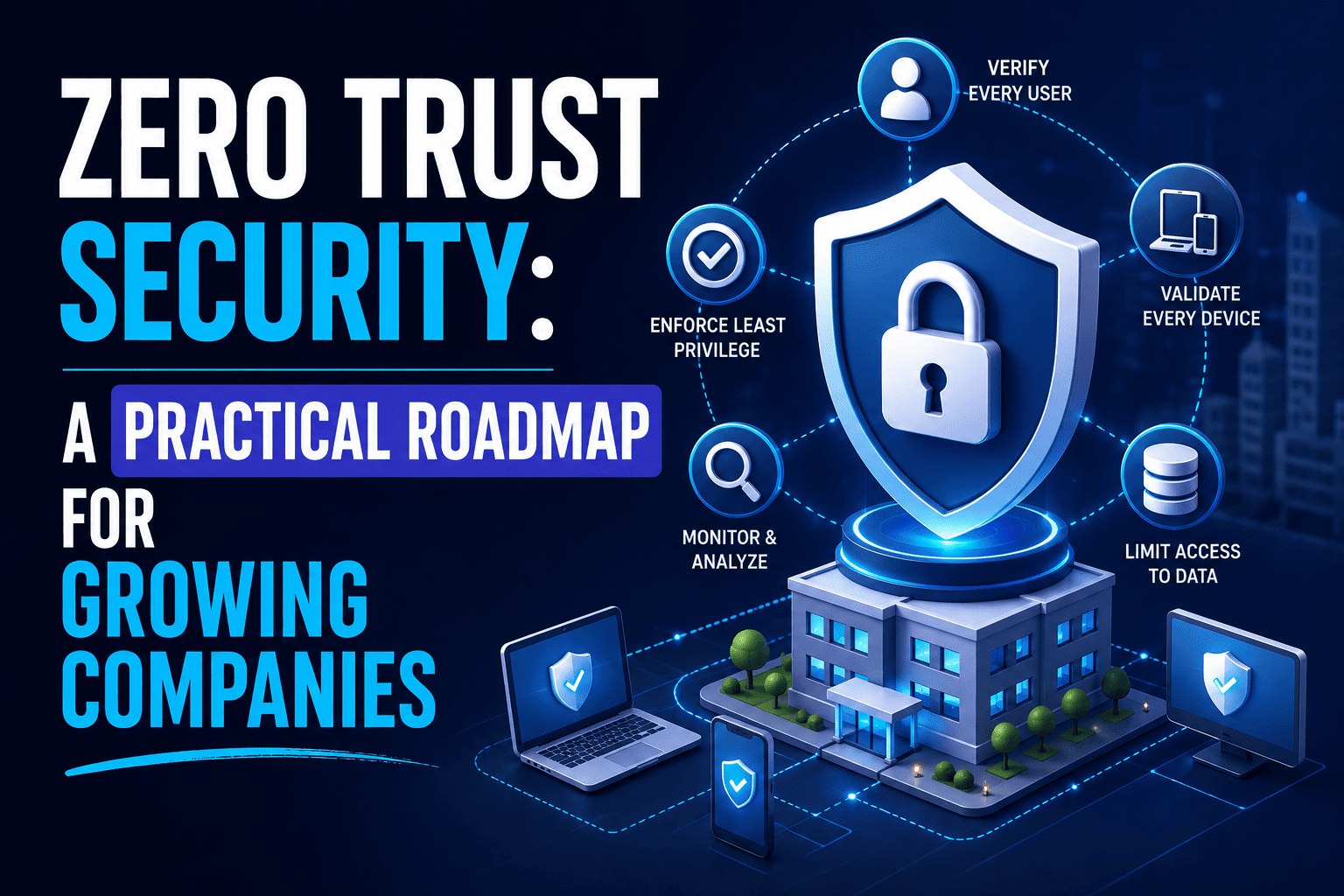
The traditional model says: you are inside the company network, so you are trusted. Zero Trust says: being inside the network does not automatically make you trusted. Verify the user, device, context, and requested resource before granting access.
NIST describes Zero Trust as an architecture focused on protecting resources rather than trusting users or systems based on network location. Authentication and authorization are evaluated before access is established. NIST also describes migration as an incremental journey. Organizations can remain in a hybrid Zero Trust and perimeter model while progressing.
Three principles to use throughout
Verify explicitly
Authenticate and evaluate access using every useful signal available.
Use least privilege
Give users and systems only the access they actually need.
Assume breach
Design so one compromised account or device does not expose everything.
3. Why SMEs need Zero Trust now
Remote and hybrid work, SaaS applications, contractors, BYOD laptops, and cloud resources have stretched the old perimeter. A user on a home network may access the same data as someone in the office. Attackers target identities and credentials because that path is often easier than breaking through a firewall.
Zero Trust is particularly relevant when you cannot assume that “inside the office” means safe. The goal is not perfection. It is to remove implicit trust, limit blast radius, and improve visibility with controls a small IT team can actually maintain.
4. The practical Zero Trust roadmap
By the end of this section you should know what to implement first, what can wait, and what you may already have through existing tools.
Stage 0: Know what you have
Before changing security controls, inventory what you are protecting:
- People → users, admin accounts, external users, service accounts
- Devices → laptops, mobiles, servers, remote access paths
- Applications → SaaS apps, cloud resources, critical line-of-business systems
- Data → sensitive information and where it lives
- Tools → identity, endpoint, firewall, backup, and monitoring already in place
You cannot protect what you cannot identify.
Stage 1: Secure identities first
For most small companies, identity is the highest-priority starting point. If an attacker owns a privileged account, network segmentation helps less than it should.
- MFA for all users, starting with admins
- Strong authentication and separate administrator accounts
- Remove inactive accounts and review privileged access
- Least-privilege permissions and disabled legacy authentication where applicable
- SSO for important SaaS applications
- Joiner, mover, and leaver processes
In Microsoft environments, this often means Microsoft Entra ID, Conditional Access, Microsoft Authenticator, and Privileged Identity Management where appropriate. Microsoft’s Zero Trust guidance starts with strong identity verification and least privilege.
Stage 2: Secure devices
Once identity is under control, verify the device accessing company resources:
- Device inventory, OS patching, and endpoint protection
- Disk encryption, screen lock, and mobile device management
- Remove local administrator rights where practical
- Block unsupported operating systems and enforce device compliance policies
Microsoft Intune, Microsoft Defender for Endpoint, Entra device registration, and Conditional Access based on device compliance are common building blocks. Microsoft recommends registering endpoints with a cloud identity provider and moving toward managed, compliant devices over time.
Stage 3: Control application access
Move beyond “the user has an account” to “should this user, from this device, under these conditions, access this application?”
- SSO, role-based access, and conditional access policies
- Application inventories and removal of unused SaaS accounts
- OAuth and application permission reviews
- Service-account governance
Stage 4: Improve network security
Zero Trust does not mean throw away the firewall. Traditional network controls still have a role. Focus on segmentation, secure DNS, encryption, restricting east-west movement, and monitoring traffic. Replace broad VPN access with more application-specific connectivity where that makes sense.
CISA’s Zero Trust model emphasizes segmentation, application-specific connectivity, encryption, and visibility rather than relying solely on a large network perimeter.
Stage 5: Protect data
Zero Trust is ultimately about protecting resources and data, not merely controlling network access. Identify sensitive information, classify it, encrypt it, control sharing, and establish retention policies. Add DLP where justified. Back up critical information and monitor unusual access patterns.
Stage 6: Monitor and respond
You cannot implement Zero Trust once and forget about it. Introduce centralized logs, security alerts, endpoint detection, identity-risk monitoring, failed-login monitoring, and incident response procedures. Run regular access reviews.
In Microsoft environments, Microsoft Defender XDR, Microsoft Sentinel, Entra ID logs, Intune, and Defender for Endpoint can provide visibility. Microsoft recommends using security telemetry to detect abnormal activity.
5. How to roll out without freezing the business
Do not do this
- Enable 50 security policies for everyone on Monday morning
- Deploy without testing what legitimate work will break
- Skip communication and expect users to adapt silently
Do this instead
- Start with IT and admin accounts first
- Pilot with 5 to 10 friendly users
- Expand IT → managers → departments → whole organization
- Monitor before enforcing, communicate changes, and keep rollback paths
Microsoft explicitly recommends starting with small projects, testing policies, communicating changes, and gradually increasing deployment scope. Every disruptive policy should have an emergency recovery path.
6. Small-company Zero Trust checklist
Priorities depend on your environment. Use this as a starting point, not a rigid scorecard.
| Control | Priority |
|---|---|
| MFA for all users | Critical |
| Separate admin accounts | Critical |
| Remove inactive accounts | Critical |
| Device inventory | Critical |
| Endpoint protection | Critical |
| Regular patching | Critical |
| Least privilege | High |
| SSO | High |
| Device compliance | High |
| Network segmentation | High |
| Continuous monitoring | High |
| Privileged access management | High |
| Data classification | Medium |
| DLP | Medium |
7. Common mistakes
Treating Zero Trust as a product
There is no single Zero Trust software that solves everything. It is a program built from identity, device, application, network, and data controls.
Starting with network segmentation
Identity and privileged access are often more practical starting points for a small company.
Ignoring users
Controls that constantly break legitimate workflows encourage workarounds.
Deploying without testing
Test policies with a pilot group before production rollout. NIST supports incremental migration rather than wholesale replacement.
Implementing everything at once
Progress in stages. Mature controls can become a longer program.
Forgetting service accounts
Human users are only part of the identity problem. Application and service identities need governance too.
8. Practical maturity model
This is an Intelex practical roadmap based on established Zero Trust principles. It is not an official NIST or CISA maturity level. Use it to see where you are and what comes next.
Basic
- MFA
- Password hygiene
- Endpoint protection
- Asset inventory
Controlled
- SSO
- Device management
- Least privilege
- Conditional access
- Regular access reviews
Adaptive
- Risk-based access
- Segmentation
- Centralized monitoring
- Automated remediation
- Privileged access management
Mature
- Continuous verification
- Automated policy enforcement
- Application and workload identity
- Advanced analytics
- Continuous improvement
Build a Zero Trust roadmap for your business
If you need help inventorying identities, piloting Conditional Access, or turning Microsoft 365 and endpoint tools into a staged security program, Intelex Solutions can help you plan without freezing the business.
9. Frequently Asked Questions
Is Zero Trust only for large enterprises?
No. A small company can start with MFA, least privilege, device security, and basic monitoring without building an enterprise-scale architecture.
Does Zero Trust replace a firewall?
No. Firewalls remain useful. Zero Trust changes the assumption that being inside a network automatically means a user or system should be trusted.
Should we start with MFA?
For most organizations, strong authentication is one of the highest-value starting points. Identity is central to Zero Trust, and Microsoft recommends securing identities early.
Do we need Microsoft 365 to implement Zero Trust?
No. Zero Trust is an architectural approach, not a Microsoft-only framework. Microsoft provides one implementation ecosystem, but the principles apply across platforms.
Does Zero Trust mean employees cannot work remotely?
No. Zero Trust is particularly relevant to remote and hybrid work because access decisions should not depend solely on network location.
How long does Zero Trust implementation take?
There is no universal timeline. Foundational controls can move relatively quickly. Mature identity, device, network, application, and data controls can become a longer program.
Is Zero Trust expensive?
It can be, depending on tools and maturity. A small company does not need every security product at once. Existing Microsoft 365, endpoint, identity, firewall, and SaaS capabilities may already cover some controls.
Do we need a cybersecurity partner?
Not necessarily. An internal IT team can implement foundational controls. A partner helps when expertise is limited, infrastructure is complex, or you need independent assessment.
Does Zero Trust guarantee we cannot be breached?
No. Zero Trust reduces implicit trust and limits the impact of compromised accounts or devices. It is risk reduction, not a guarantee.
Where should a small company start?
Start with asset and identity inventory, MFA, privileged-account protection, device security, patching, least privilege, and basic monitoring. Then expand toward application, network, and data controls.
Official references: NIST SP 800-207 · CISA Zero Trust Maturity Model · Microsoft Zero Trust guidance